Best TV Size for
Sports Watching
Choosing a TV for sports is different from choosing one for films. Fast motion, wide pitch angles, and group viewing all demand a different approach. Here's exactly what to get - and why.
Sports has different requirements
When watching a film, you control the pace. Sports doesn't give you that luxury - and the action demands a different TV setup.
A penalty kick, a last-minute goal, a full-pitch tactical shot - these moments require your eyes to track fast motion across a wide frame simultaneously. The wrong TV compresses the action so much that players become tiny figures, or blurs fast movement into an unreadable smear.
Three things matter more for sports than any other content type:
📐 Size
Large enough to see players across the full pitch without squinting. Sports broadcasts use wide-angle cameras - at small screen sizes, the action is compressed and hard to follow.
🏃 Refresh Rate
Native 120Hz halves motion blur during fast sequences. A player sprinting, a ball in the air, a quick pan - all look dramatically sharper on 120Hz versus 60Hz.
📺 Viewing Distance
Close enough for immersion, far enough to see the full frame. Sports actually benefits from sitting slightly closer than standard TV viewing recommendations.
👁️ Viewing Angle
If people watch from the sides - OLED or VA panels with wide viewing angles prevent washed-out colours for those not sitting directly in front.
The pitch problem: Football, basketball, and most field sports are filmed at full-pitch width. At 55" from 10 feet, players are roughly 1 centimetre tall on screen. At 75", the same shot nearly doubles in scale - making individual players, ball movement, and tactical patterns genuinely readable.
TV size by viewing distance
Sports benefits from going one size larger than standard TV recommendations. The wide-angle camera shots used in most broadcasts reward extra screen real estate.
| Viewing Distance | Standard Recommendation | Sports Recommendation | Room Type |
|---|---|---|---|
| 6-7 ft (1.8-2.1m) | 43-50" | 50-55" | Bedroom, small apartment |
| 8-9 ft (2.4-2.7m) | 55-60" | 65" | Standard living room |
| 10-11 ft (3-3.4m) | 65" | 75" | Large living room |
| 12-14 ft (3.7-4.3m) | 75" | 85" | Family / dedicated room |
| 15+ ft (4.5m+) | 85" | 85"+ or projector | Home theater, basement |
Group viewing: If multiple people watch from different positions, size up by one category. The person seated furthest from the screen sets the minimum - everyone else benefits from going bigger.
Not sure about your distance?
Use our viewing distance calculator for a precise recommendation based on your exact room dimensions.
Which size is right for you?
Each size category suits a different room and group size. Bigger is almost always better for sports - the question is whether your room supports it.
Fine for watching from a bedroom or close in a small flat. You'll see the action clearly but miss the scale of wide-pitch shots. Adequate for one or two people who aren't particularly bothered about tactical play.
The sweet spot for most living rooms. At 8-10 feet the full pitch fills your field of vision and players are identifiable during open play. The upgrade from 55" to 65" is immediately noticeable for sports content specifically - the wide shots that define football look genuinely cinematic at 65".
For larger rooms and watch parties. At this size, sports broadcasting looks genuinely cinematic - players are near life-size, crowd noise feels physical, and reactions feel shared across the room. If your space supports it and you watch sports regularly, this is the size you'll never regret.
Top TVs for sports watching
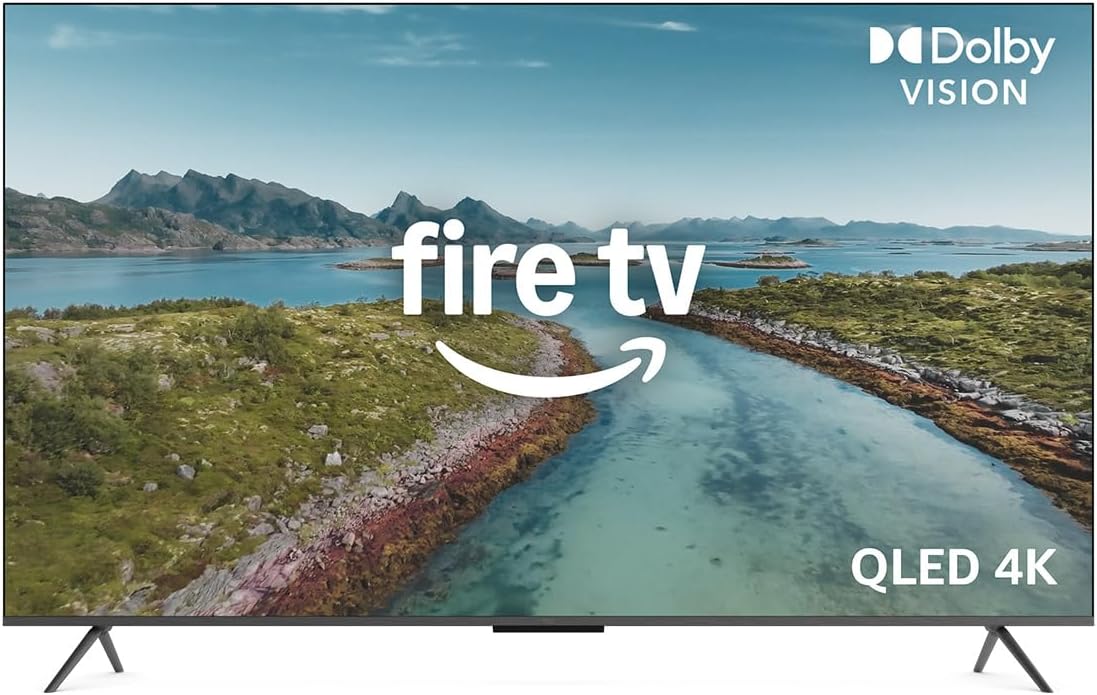
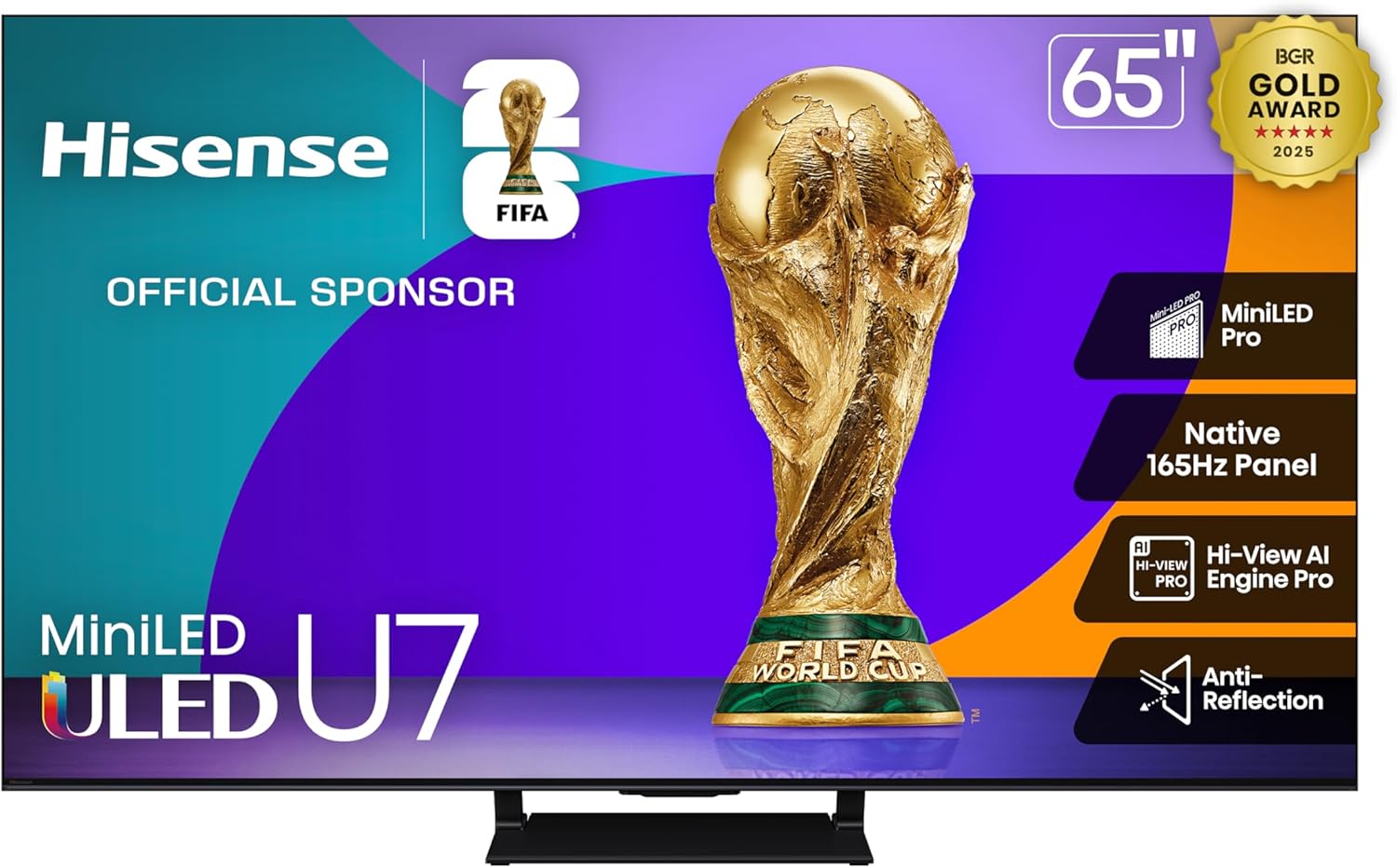
Chosen for native 120Hz refresh rate, fast response time, and strong performance with fast-motion content. Three tiers for different budgets.

Beyond size - what else affects sports viewing
Once you've got the right size, these specs separate a good sports TV from a great one.
Refresh Rate: Native 120Hz is the Target
Sports involves fast motion - players sprinting, balls in the air, quick camera pans. A TV with a native 120Hz refresh rate renders motion twice as smoothly as a standard 60Hz panel. This is the most impactful spec for sports after screen size.
Be careful with marketing labels: "Motion Rate 240", "TruMotion 120", "MotionFlow XR 960" - these are all derived from a lower native refresh rate with processing applied. What matters is the native panel refresh rate, listed in the technical specifications. For sports, you want native 120Hz minimum.
Response Time
A faster pixel response time reduces motion blur during fast-action sequences - the ghosting tail you sometimes see behind a moving ball. For sports, aim for under 5ms. OLED panels lead here (typically 0.1ms), followed by high-end LCDs. Budget panels with 8-12ms response times will show visible blur during fast sports sequences.
Viewing Angle
If multiple people watch from different positions around the room, viewing angle determines whether off-axis viewers see accurate colour or a washed-out image. OLED TVs maintain colour accuracy at extreme angles - people watching from the side see the same image as those directly in front. Many budget LCD TVs show significant colour shift beyond 30° off-axis. For group sports viewing, this matters.
Brightness and Glare
Weekend afternoon matches often mean bright rooms with sunlight competing with the screen. Look for peak brightness above 500 nits for mixed-light rooms. QLED and Mini-LED panels can hit 1,000-2,000 nits, which makes a dramatic difference in bright environments. OLED, despite its superior motion performance, typically peaks at 500-800 nits - adequate for most rooms but not ideal for very bright spaces.
Enable Sports Mode or Game Mode: Most modern TVs include a preset that reduces input lag and sharpens motion processing. "Sports Mode" typically increases sharpness and motion smoothing. "Game Mode" minimises input lag. For live sports, Sports Mode is the better choice - Game Mode is optimised for interactivity, not broadcast viewing.
✅ What to look for
Native 120Hz (or 144Hz) refresh rate · Response time under 5ms · HDMI 2.1 for future-proofing · Wide viewing angle (OLED or wide-angle VA panel) · Brightness above 500 nits
❌ What to ignore
Marketing "effective Hz" numbers (Motion Rate, TruMotion, etc.) · Ultra-high contrast specs that don't translate to real-world use · "Sports optimised" labels without the underlying specs to back them up
Getting ready for World Cup 2026
The 2026 FIFA World Cup runs across the USA, Canada, and Mexico from June 11 to July 19. With 104 matches across 16 host cities and three time zones, there has never been a better excuse to upgrade your TV setup before the tournament starts.
The World Cup is the highest-stakes test for a sports TV setup. Matches run back-to-back during the group stage, time zones mean early morning or late night kickoffs, and the tension of knockout football demands a setup that does the occasion justice. A TV that is fine for a Premier League weekend looks inadequate when a penalty shootout decides who goes home.
Why the World Cup is Different
Club football broadcasts vary in quality depending on the competition and broadcaster. World Cup coverage is produced at the highest level - multiple camera angles, full-pitch tactical shots, 4K HDR broadcasts on major streaming platforms. The production quality rewards a capable TV in a way that most regular sports broadcasts do not.
The tournament also brings group viewing situations that normal weekday football does not. Friends and family gather specifically for matches, rooms fill up, and the shared experience becomes part of the event. This is exactly the scenario where screen size makes the biggest difference - a 65" TV that comfortably serves two people starts to feel small when six people are watching from different angles.
Timing Your Purchase
TV prices typically drop 6-8 weeks before major sporting events as retailers compete for buyers. The window from mid-April to late May 2026 is likely to see competitive pricing across 65-85" models. Buying in this window gives you time to set up, calibrate, and get comfortable with the TV before the tournament starts rather than scrambling for delivery the week before.
| Purchase Timing | Typical Price | Risk | Recommendation |
|---|---|---|---|
| Now (March-April) | Standard retail | Low | Good stock, no rush |
| April-May 2026 | Pre-tournament deals | Low | Best window to buy |
| Late May-June 2026 | Rising as stock drops | Medium | Buy early in this window |
| After tournament starts | Full price or sold out | High | Too late for best deals |
What Size for a World Cup Watch Party?
If you are expecting 4-8 people for big matches, the minimum comfortable screen is 65". For groups of 6 or more watching from various seating positions around the room, 75" is the point where everyone gets a genuinely good view regardless of where they sit. The cost difference between 65" and 75" has narrowed significantly - at current prices the upgrade is often under $200.
Time zones matter: Group stage matches from the USA will kick off at reasonable hours for European viewers, but Mexican and Canadian venue matches may run later. If you are watching late-night matches, brightness and contrast matter more than in daytime viewing - OLED performs particularly well in dark room, late-night conditions.
Find your ideal World Cup setup
Enter your viewing distance and room size to get a precise TV size recommendation before the tournament starts.
Getting the mount height right
Sports is one of the few contexts where mounting height matters even more than usual. In a group setting, people stand to celebrate, lean forward, and move - the height needs to work for everyone.
The centre of the screen should sit at or just slightly above average seated eye level - roughly 42-48 inches (107-122 cm) from the floor for most couches. Mounting too high creates neck strain during long matches, which becomes painful by the second half of a 90-minute game and acutely uncomfortable during multi-match viewing sessions.
The Fireplace Problem
Mounting above a fireplace is common but typically pushes the TV to 60-70 inches from the floor - well above comfortable eye level. If this is your setup, a tilting wall bracket that angles the screen downward toward your seating position significantly reduces the neck strain. Without tilt, this setup will cause discomfort during long sports sessions.
Calculate your ideal mount height
Tell us your TV size and seating type - we'll give you the exact height to mount your screen for strain-free viewing.
Setting up for group viewing
Watching major tournaments or playoff games with a group adds practical considerations that a solo setup doesn't have.
Seating Arrangement
Arrange seating in a slight arc facing the screen rather than in straight rows. This keeps everyone within a comfortable viewing angle - aim to keep the outermost seats within about 40° of the screen centre. Beyond 40° off-axis, most LCD TVs show noticeable colour shift; OLED handles wider angles better.
Sound
Built-in TV speakers rarely fill a room once it's occupied by multiple people. A soundbar or external speakers make crowd noise, commentary, and the impact of a shot feel physical and shared. Even a mid-range soundbar makes a significant difference to the communal atmosphere of group sports watching - it's arguably the highest-impact upgrade after screen size.
Streaming vs Broadcast
If streaming live sports, use a wired Ethernet connection rather than Wi-Fi where possible. Buffering during a penalty shootout is a genuinely ruined experience. If Wi-Fi is unavoidable, ensure your router is nearby and no other devices are running bandwidth-heavy tasks simultaneously. Many streaming services also offer a "sports" quality setting that prioritises low latency over maximum quality - worth enabling for live content.
| TV Size | Sports Viewing Distance | Viewers | Verdict |
|---|---|---|---|
| 43" | 5-7 ft | 1-2 | Adequate for solo; wide shots feel cramped |
| 55" | 7-9 ft | 2-4 | Good - the entry point for sports immersion |
| 65" | 8-11 ft | 3-5 | Excellent - the upgrade most people don't regret |
| 75" | 10-13 ft | 4-8 | Outstanding for group watch events |
| 85" | 12-15 ft | 6-12 | Cinematic; requires a large dedicated space |
Frequently asked questions
Everything people ask about TV setup for sports, answered directly.
Get your perfect TV size recommendation
Enter your viewing distance and we'll calculate the ideal screen size for your room - based on THX and SMPTE standards.